Privacy Policy
Privacy Policy
This policy explains what information we collect, why we use it, and the choices you have when using Weekly Shop.
Last updated 5 September 2026Your informationWe use your details to run the service and improve it.
Your choicesYou can manage optional cookies and contact us about your information.
About Weekly Shop
Weekly Shop helps Australian households plan meals, compare grocery prices and make shopping lists. You can use it at weeklyshop.au and contact us at [email protected].
What we collect
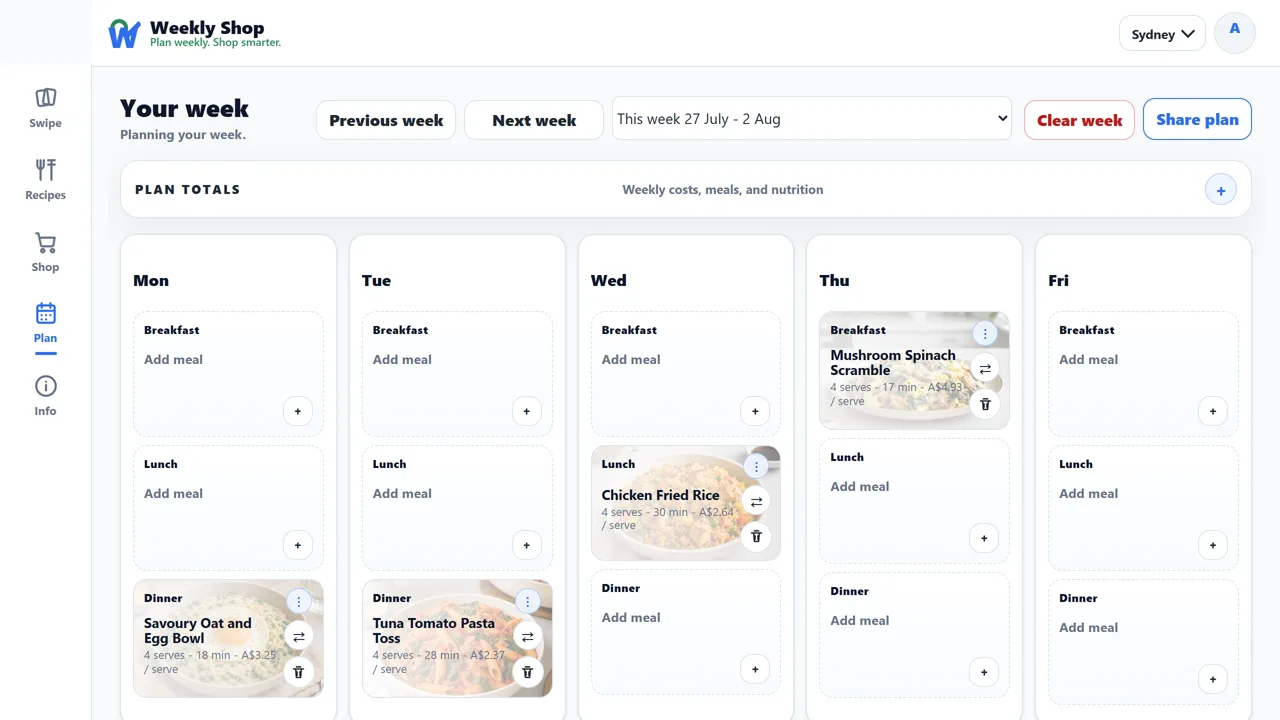
We use your account details, saved recipes, meal plans, recipe ratings, shopping lists, household sharing activity and support messages to provide the service. We also use cookies to recognise your browser and remember your choices.
Signing in with Google
Google Sign-In is optional. If you use it, Google shares your email address, whether that address is verified, your name when available, and an identifier that lets us recognise your Google account. We keep a coded version of that identifier linked to your Weekly Shop account.
We ask for basic account information only. We do not ask to read your Gmail, Drive files, Calendar, Contacts or Photos, or to access your advertising accounts or Search Console.
Signing in with Apple
Apple sign-in is optional. Apple shares an account identifier, your email address or a private relay address, and whether the address is verified. Apple shares your name only when you first give permission, so we save it for later sign-ins. We keep a coded version of the account identifier.
How we use sign-in information
We use Google and Apple sign-in information to create or access your Weekly Shop account, keep it secure, prevent misuse and help with support. It also keeps your plans, recipes, lists, household and settings connected to your account.
Who we share information with
We share information with service providers when they need it to host, secure, operate or support Weekly Shop, or send emails for us. We may also disclose information when the law requires it.
We do not sell Google or Apple account information, give it to data brokers, use it for targeted advertising or use it to train AI models.
Keeping your information safe
We protect passwords and sign-in records by storing coded versions instead of the original secrets. Sign-in checks are temporary and can only be used once. We do not keep the access credentials Google or Apple sends during sign-in. Our security records use coded identifiers instead of passwords or sign-in secrets.
How long we keep information
If you sign up with a password, you need to verify your email in the same browser where you started. Unfinished sign-ups expire after 7 days and are removed during routine cleanup.
We keep account information while your account is active, and may retain information needed for security, legal requirements or running the service. Email [email protected] to ask to see, correct or delete your information. We will delete it or remove identifying details where we can, taking those requirements into account.
Cookies and analytics
Cookies are small pieces of information saved in your browser. Some are needed to sign you in, remember your plan and preferences, and keep the service secure.
Analytics is on by default. It helps us understand visits, the pages people use and shopping actions so we can improve Weekly Shop. It may include Google Analytics, and activity may be linked to your account when you sign in. Optional personalisation and advertising cookies are off unless you enable them.
We may record how you found Weekly Shop, such as a website or campaign link. That information stays in your browser tab for up to 12 hours and may be linked to an account you create during that time while analytics is on. We also count daily page visits without identifying individual visitors, including when analytics is off.
Changing your cookie settings
The cookie notice has a Close button and a Privacy Policy link. Close hides the notice; it does not open settings or change your saved choices.
To change optional cookies, open the Privacy Policy in the app, then choose Cookie preferences at the bottom of the page. Change the switches and choose Save preferences. You can also choose Essential only to turn all optional cookies off.
Sharing plans and lists
Anyone with one of your private sharing links can see the plan, shopping list or recipe collection you chose to share. The links are not listed publicly. Share them only with people you trust.
Google’s data-use requirements
Weekly Shop's use and transfer of information received from Google APIs adheres to the Google API Services User Data Policy, including the Limited Use requirements.