 1
1
Swipe through budget recipes
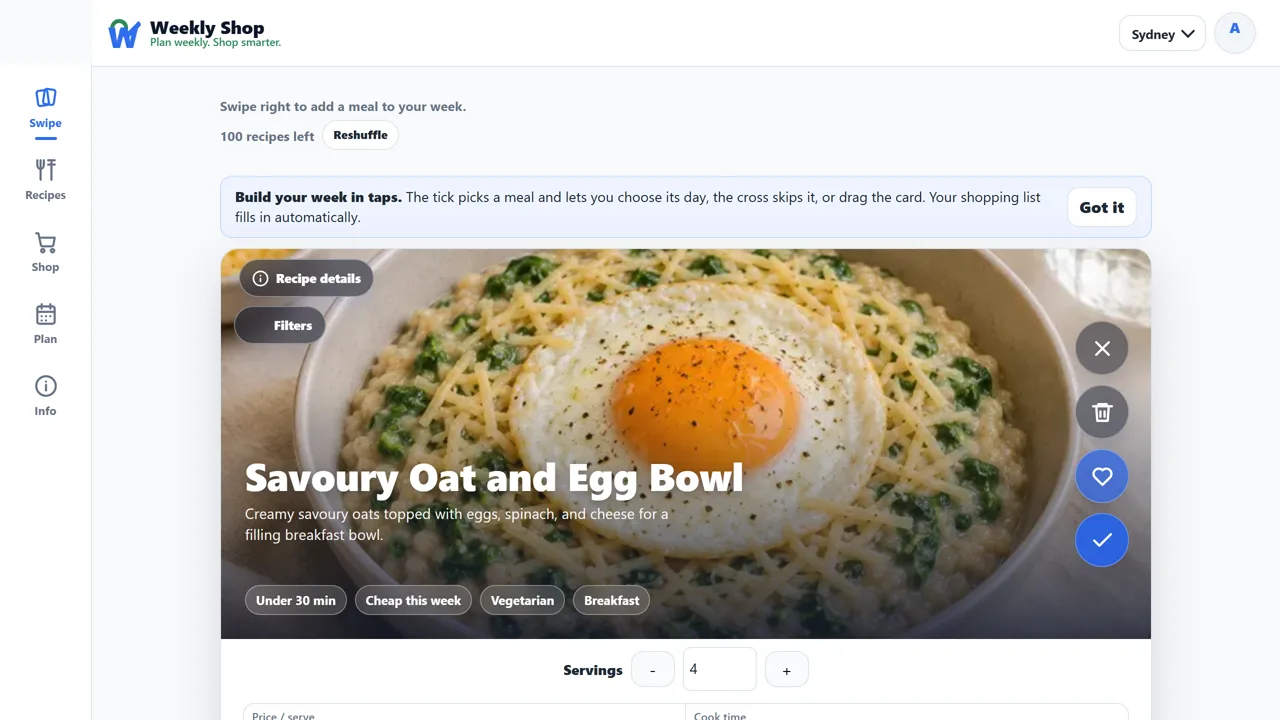
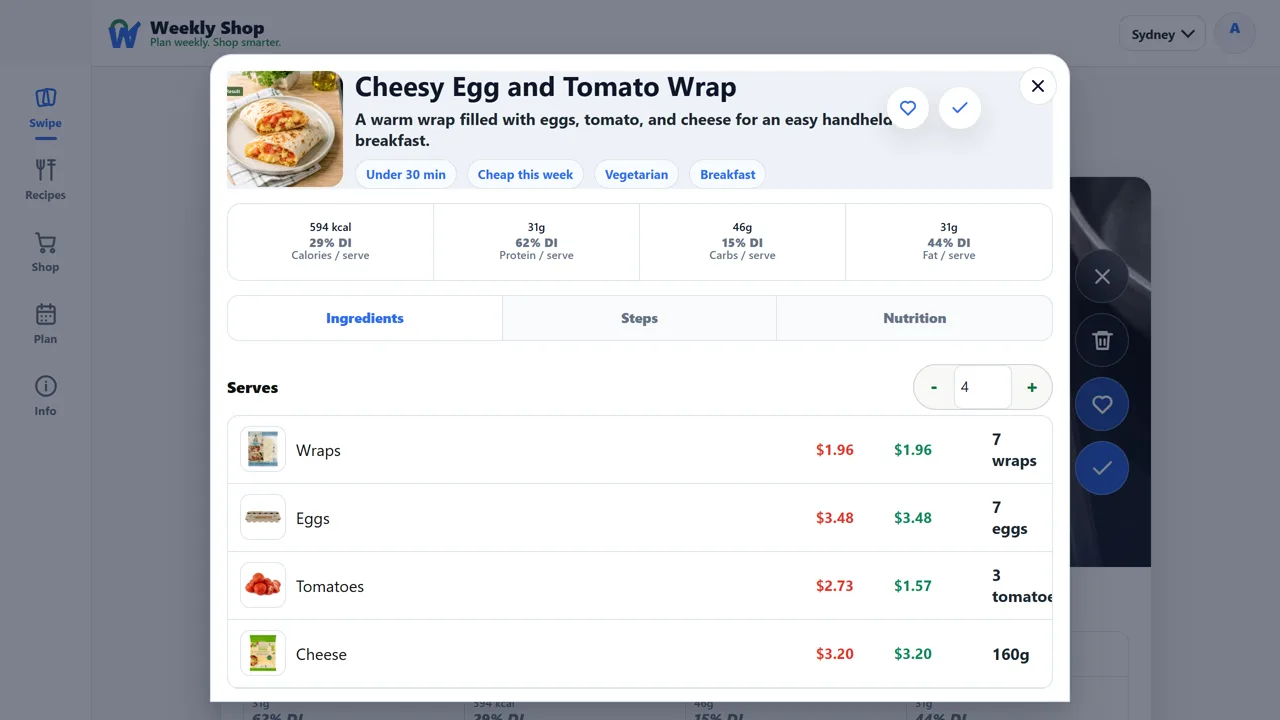
Swipe right or tap the tick to pick a recipe, swipe left to skip it. Every card shows the price per serve, cook time, and nutrition up front.
How Weekly Shop works
Choose recipes you actually want to eat, build one priced shopping list, or scan a product in store to see its latest 90 days of prices at Coles and Woolworths. Weekly Shop is completely free.
In-store price check
Open the camera, scan a grocery barcode, and Weekly Shop shows the product's current price and latest 90 days at Coles and Woolworths. Add it straight to Price Watch, or report a missing product with its store and a photo.
Four steps
1
Swipe right or tap the tick to pick a recipe, swipe left to skip it. Every card shows the price per serve, cook time, and nutrition up front.
 2
2
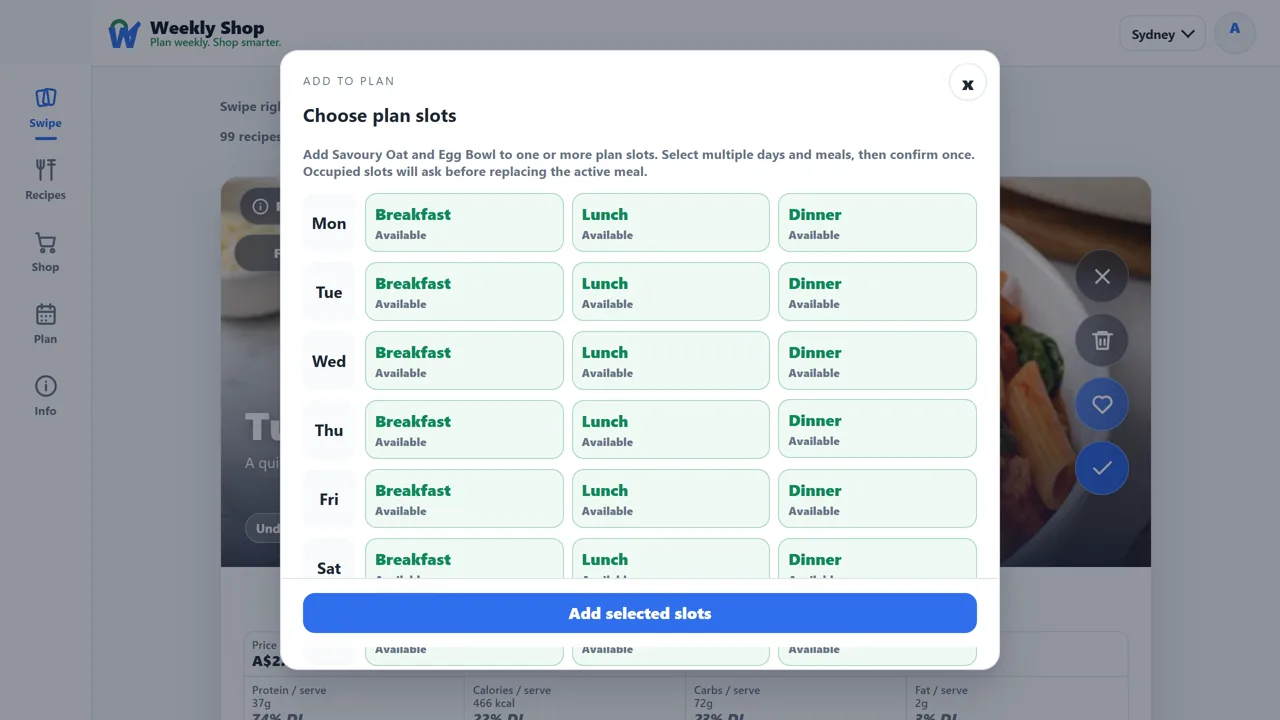
A right swipe drops the meal straight into the next free slot and tells you which day it landed on. To place one deliberately, open the recipe and use Add to plan, which picks day and meal slots and asks before replacing a meal already there.
 3
3
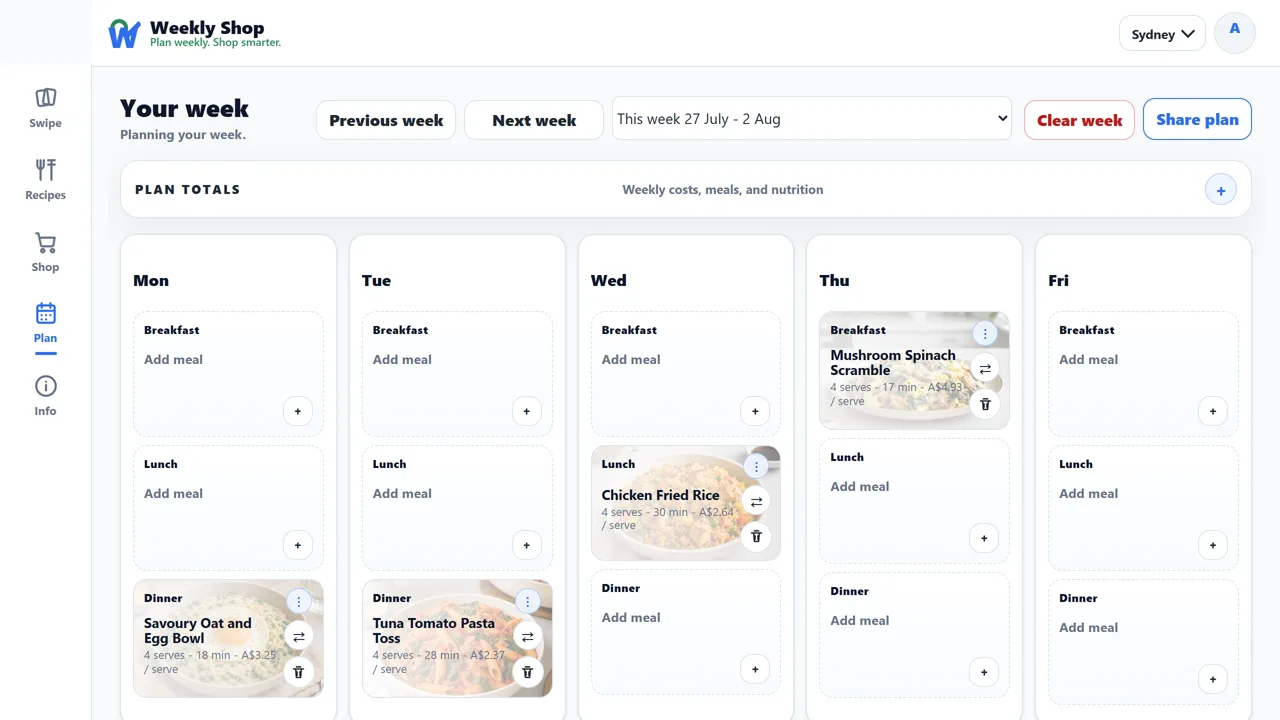
Move, remove, or add meals and the weekly total keeps up. Each slot keeps the day and meal type clear.
 4
4
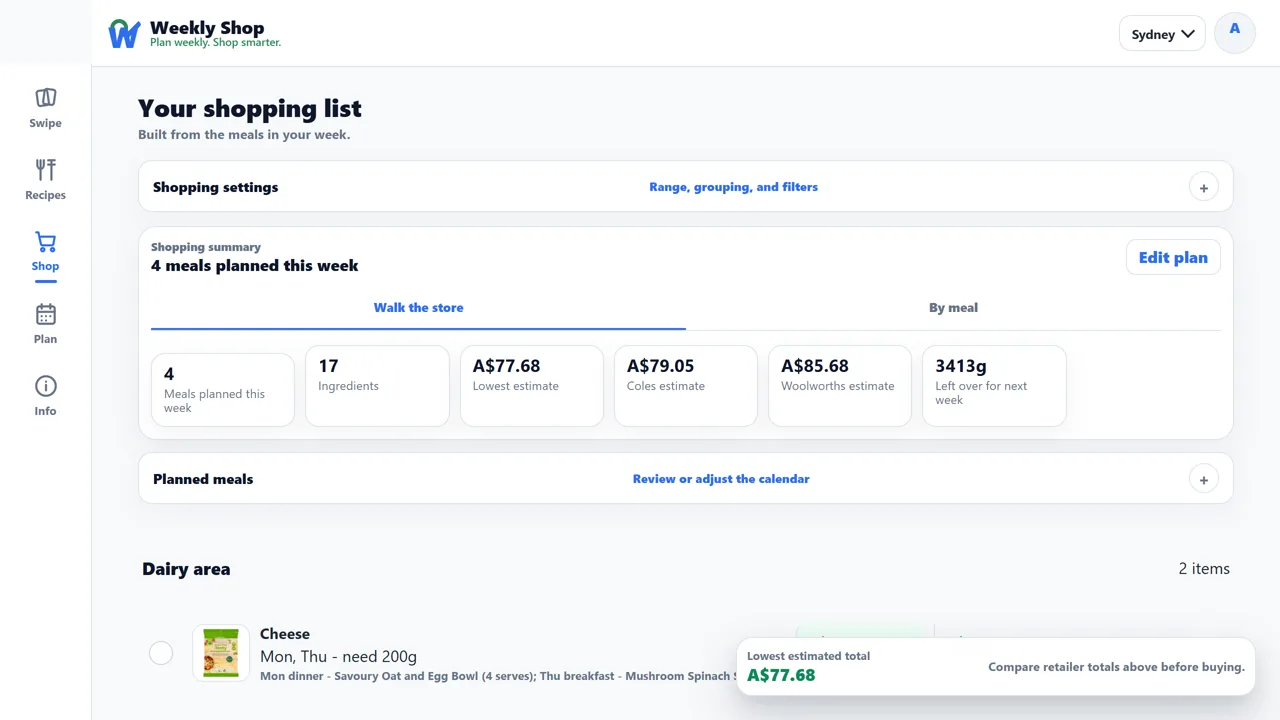
Ingredients from every planned meal merge into one list with a Coles total, a Woolworths total, and a split-shop total that buys each item wherever it is cheaper, grouped so you can walk the store.
Video guide
A short walkthrough: swipe right, choose the day, review the plan, and open the priced list.
Price transparency
Recipes use hand-curated Coles and Woolworths product matches, with prices last checked 25 September 2026. Open any recipe's details to see the servings, nutrition, and the exact product rows behind the estimate.
More recipe collections