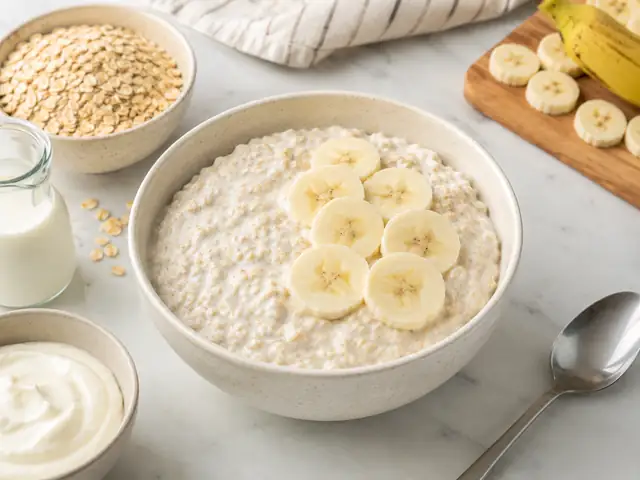
A$2.24 / serve
Swipe deck 1 of 8
Banana Yoghurt Overnight Oats
Creamy overnight oats with Greek yoghurt, milk, and banana for an easy make-ahead breakfast.
- Cook time
- 10 min
- Protein
- 27g
- Cost to make
- A$4.48
Price alerts for your weekly shop
Find the products you already buy, compare recorded Coles and Woolworths prices, and choose the discount that makes an alert useful. Plan meals and build a shopping list when you need one.
Weekly checks. Choose your discount threshold. A free account enables email alerts.
Swipe deck 1 of 8
Creamy overnight oats with Greek yoghurt, milk, and banana for an easy make-ahead breakfast.
Every figure on this page is a planning estimate from curated Coles and Woolworths product matches for Sydney, last checked 17 September 2026. Always check shelf prices before you buy.
Recipe-first planning
Browse recipes and prices straight away, no account needed. When you are ready, open the planner to build your week and turn it into one shopping list.
 Tuna Tomato Pasta Toss
 Cheesy Tomato Pasta
 Tuna Creamy Pasta Bake
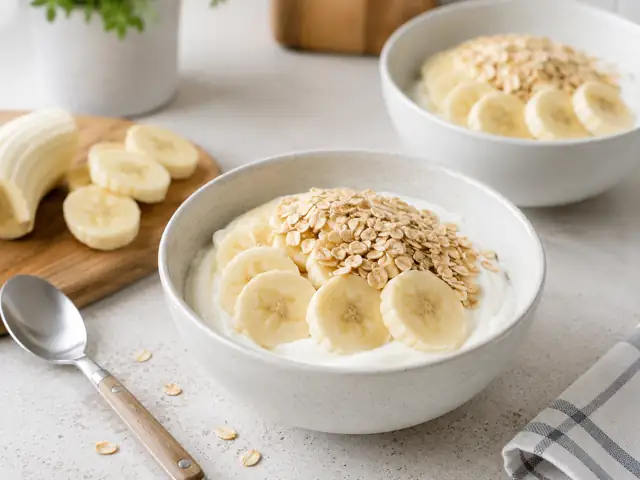 Greek Yoghurt Banana Oat Bowl
Plan the shop